 tuneit
Guitar essentials
Standard vs. Drop D tuning
What changes, what stays the same, and how to move between two useful six-string guitar tunings.

Free in standard tuning. Allow the mic and play a string.
 Get the free appScan to download on your phone
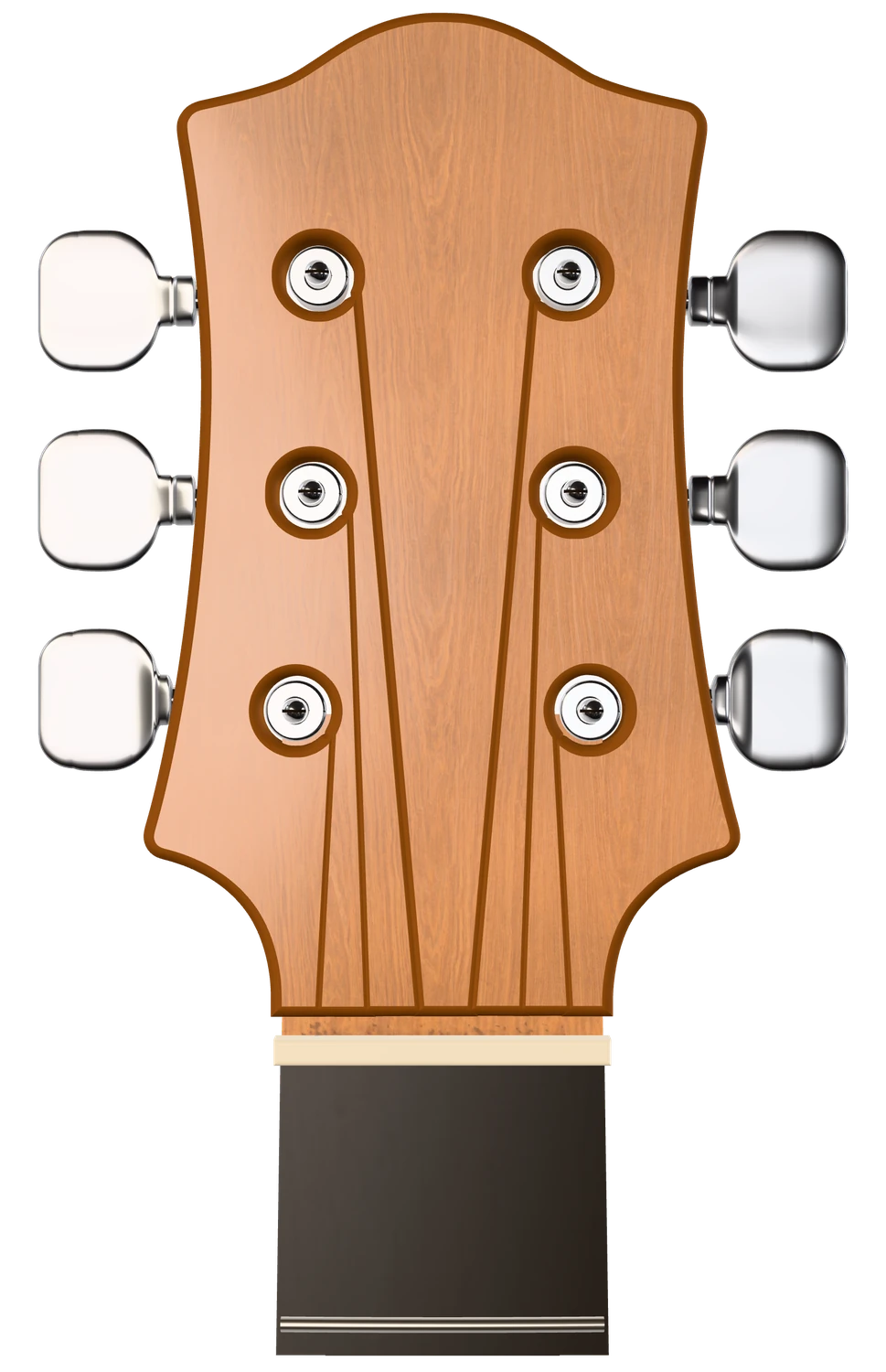











E2
The full tuner lives on your phone
Standard six-string guitar · lowest to highest. Frequencies at A4 = 440 Hz.
| String | Note | Frequency |
|---|---|---|
| String 6 · thickest | E2 | 82.41 Hz |
| String 5 | A2 | 110.00 Hz |
| String 4 | D3 | 146.83 Hz |
| String 3 | G3 | 196.00 Hz |
| String 2 | B3 | 246.94 Hz |
| String 1 · thinnest | E4 | 329.63 Hz |
The thickest string is low E. The thinnest is high E. They share a letter, but sound two octaves apart.
Changed strings are highlighted. Each linked tuning has its own page where it’s free to tune; switching between them here comes with Guitar Premium.
About a minute once you’ve done it a few times.
Yes. Standard E–A–D–G–B–E tuning is free on the web, with no sign-in. Alternate tunings and the cents reading on the web come with Guitar Premium. The Guitar Tuner app is free to download.
To hear your instrument. Pitch is worked out in your browser, and no audio is recorded or uploaded.
Percent shows how far the string is from its note as a share of the note’s frequency, the same reading the Tuneit app uses. Cents divide each semitone into 100 equal steps, so a small error looks the same on every string. Cents is the finer reading and comes with Premium.
Yes. Sign in with the same Tuneit account and your alternate tunings and cents reading unlock on the web too.
For regular practice, yes. The app tunes offline and adds a metronome and practice tools. The web tuner is there for a quick tune when the app isn’t on hand.
Yes. The Android listing includes acoustic and electric guitars. Give the phone a clear sound to hear; avoid distortion or loud background audio while tuning.
The Android app supports drop tunings. Drop D changes only the lowest string from E to D. The other five remain A–D–G–B–E.
The app measures pitch. You adjust the tuning pegs yourself, gently and one string at a time.
Switches right here, without stopping the mic.
Guitar TunerFree on iPhone and AndroidGet the app