 tuneit
Bass essentials
Bass guitar tuning notes: E–A–D–G explained
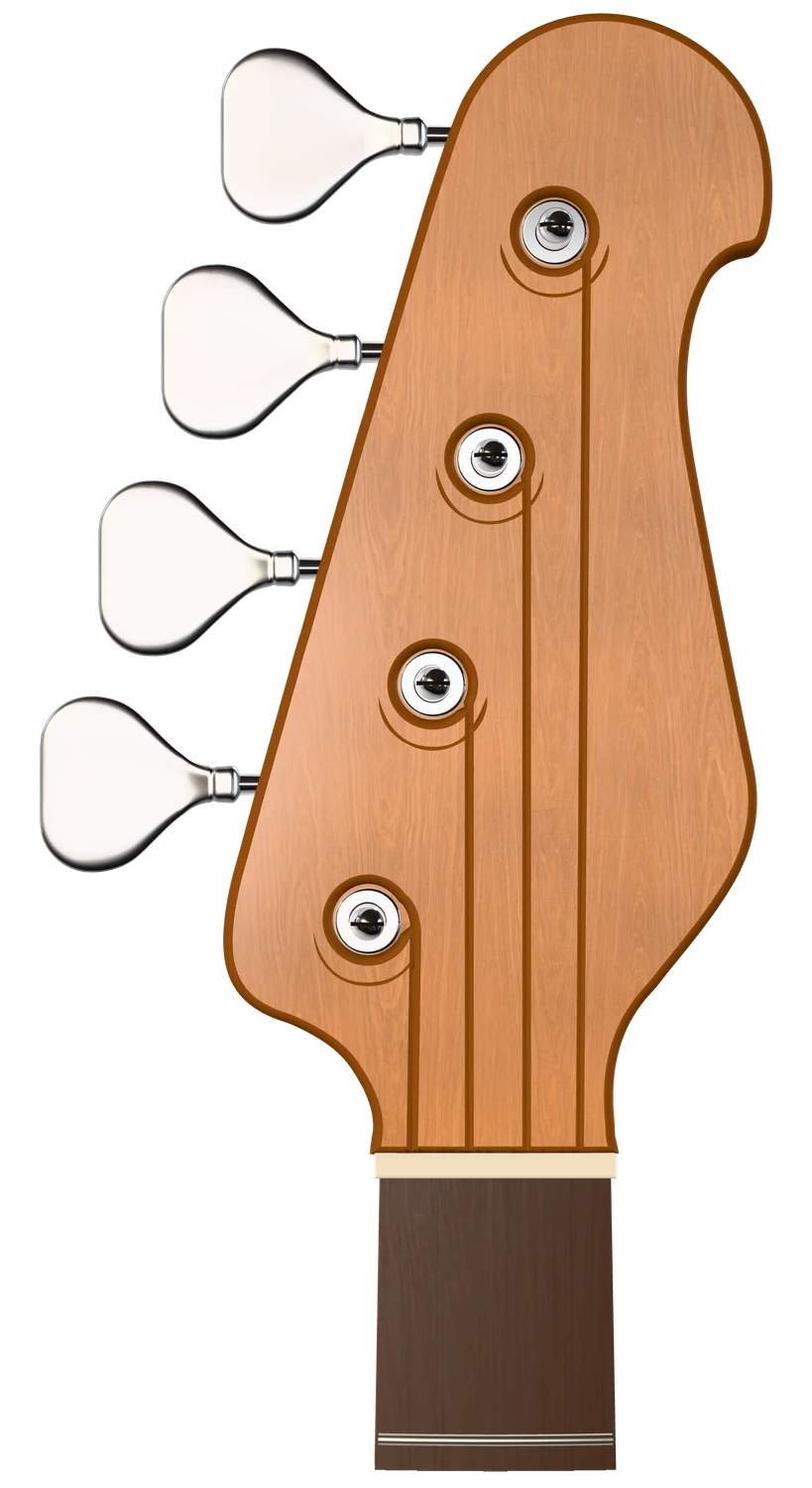
The four notes of a standard bass, lowest to highest, with their frequencies, string numbers, and the first frets on each string.

Free in standard tuning. Allow the mic and play a string.
 Get the free appScan to download on your phone




E1
The full tuner lives on your phone
Standard four-string bass · lowest to highest. Frequencies at A4 = 440 Hz.
| String | Note | Frequency |
|---|---|---|
| String 4 · thickest | E1 | 41.20 Hz |
| String 3 | A1 | 55.00 Hz |
| String 2 | D2 | 73.42 Hz |
| String 1 · thinnest | G2 | 98.00 Hz |
The same notes as the four lowest strings of a guitar, one octave lower. The low E is the thickest string.
Changed strings are highlighted. Each linked tuning has its own page where it’s free to tune; switching between them here comes with Bass Premium.
About a minute once you’ve done it a few times.
Yes. Standard E–A–D–G tuning is free on the web, with no sign-in. Alternate tunings and the cents reading on the web come with Bass Premium. The Bass Tuner app is free to download.
To hear your instrument. Pitch is worked out in your browser, and no audio is recorded or uploaded.
Percent shows how far the string is from its note as a share of the note’s frequency, the same reading the Tuneit app uses. Cents divide each semitone into 100 equal steps, so a small error looks the same on every string. Cents is the finer reading and comes with Premium.
Yes. Sign in with the same Tuneit account and your alternate tunings and cents reading unlock on the web too.
For regular practice, yes. The app tunes offline and adds a metronome and practice tools. The web tuner is there for a quick tune when the app isn’t on hand.
Yes. Hold the phone close to the strings and pluck firmly but cleanly. An unplugged electric bass is quiet, so a quiet room helps.
Pick Drop D from the tuning list. Only the low E string changes, down a whole step to D. A, D and G stay the same.
Low notes take longer to settle. Pluck once, wait a moment, and read the note after the attack rather than during it.
Switches right here, without stopping the mic.
Bass TunerFree on iPhone and AndroidGet the app