 tuneit

Violin Tuner Online
Free in standard tuning. Allow the mic and play a string.
 Get the free appScan to download on your phone
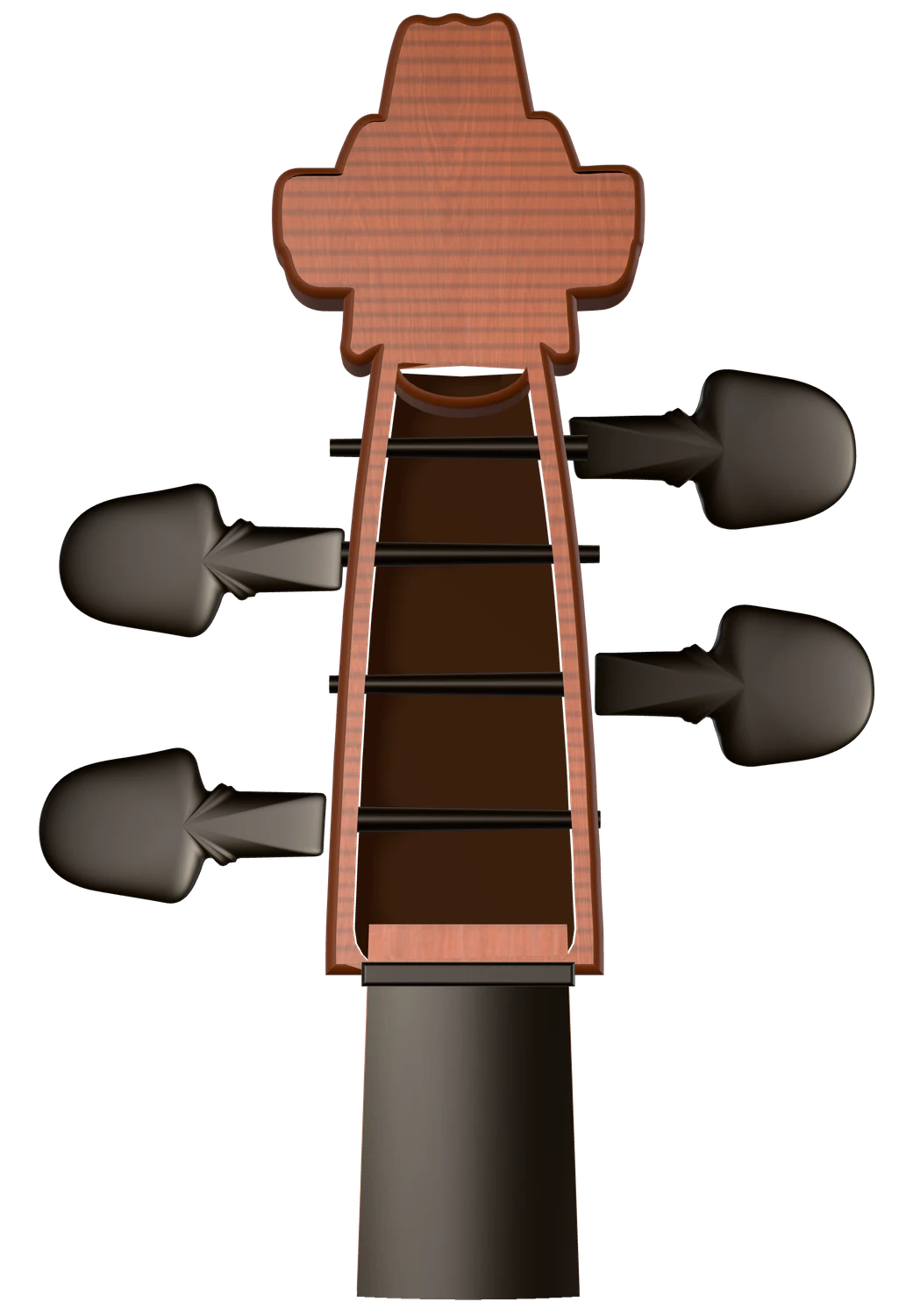




G3
The full tuner lives on your phone
Violin Tuner
- Bow or pluck
- Set your reference pitch
- Fingerboard drills
Standard violin tuning
Standard violin · lowest to highest. Frequencies at A4 = 440 Hz.
| String | Note | Frequency |
|---|---|---|
| String 4 · thickest | G3 | 196.00 Hz |
| String 3 | D4 | 293.66 Hz |
| String 2 | A4 | 440.00 Hz |
| String 1 · thinnest | E5 | 659.25 Hz |
Each string sits a perfect fifth above the one before. Most players tune the A string first, then the others from it.
Alternate tunings
Changed strings are highlighted. Each linked tuning has its own page where it’s free to tune; switching between them here comes with Violin Premium.
How to tune a violin online
About a minute once you’ve done it a few times.
- Allow the microphone.Tap Start tuning. Your browser asks once, and the sound stays on your device.
- Get close and get quiet.Hold your phone or laptop near the instrument. Pause music and conversation nearby.
- Play one open string, starting with G.Bow it gently and evenly, or pluck it. Keep the other strings quiet.
- Follow the trace to the centre line.Left of centre means flat, so tighten the string. Right means sharp, so loosen it. Turn in small steps.
- Wait for the green note on the headstock.Its label turns green with a check once the string holds in tune. Go through every string, then check them all once more.
Questions
Is this violin tuner free?
Yes. Standard G–D–A–E tuning is free on the web, with no sign-in. Alternate tunings and the cents reading on the web come with Violin Premium. The Violin Tuner app is free to download.
Why does it need my microphone?
To hear your instrument. Pitch is worked out in your browser, and no audio is recorded or uploaded.
What’s the difference between percent and cents?
Percent shows how far the string is from its note as a share of the note’s frequency, the same reading the Tuneit app uses. Cents divide each semitone into 100 equal steps, so a small error looks the same on every string. Cents is the finer reading and comes with Premium.
I have Violin Premium in the app. Does it work here?
Yes. Sign in with the same Tuneit account and your alternate tunings and cents reading unlock on the web too.
Is the app better than tuning a violin online?
For regular practice, yes. The app tunes offline and adds a metronome and practice tools. The web tuner is there for a quick tune when the app isn’t on hand.
Should I bow or pluck while tuning?
Either works. A long, even bow stroke gives the steadiest reading. Plucking is fine for a quick check.
My orchestra tunes to 442 Hz. Can I change it?
Yes. Change the A4 reference pitch in Settings to match the group you play with.
Pegs or fine tuners?
Use the fine tuners for small adjustments. Turn the pegs only when a string is well out, and push them in gently as you turn so they hold.
Tune another instrument
Switches right here, without stopping the mic.





 Violin TunerFree on iPhone and AndroidGet the app