 tuneit
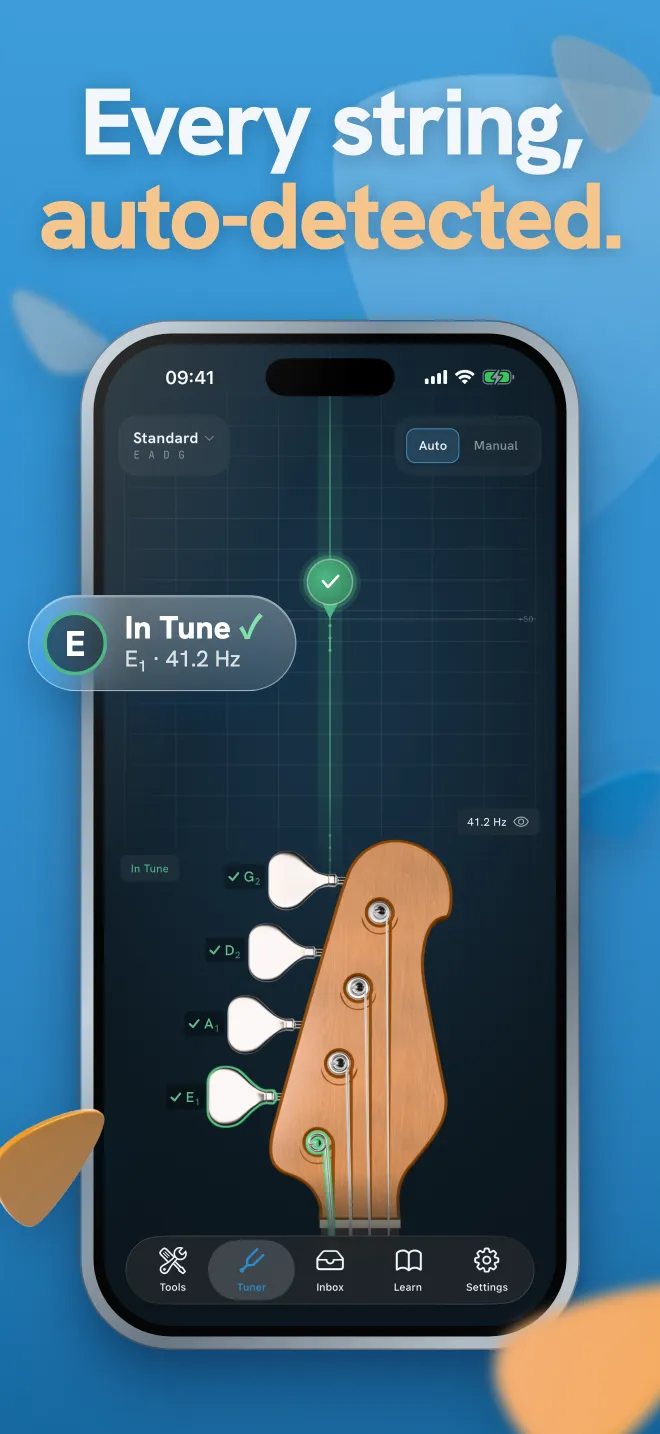
Auto detect
Just pluck.
It finds the string.
Auto mode listens and lights up the string you played on the headstock, with the note, its frequency and how far off it is. Switch to Manual to lock onto one string.

A bass tuner built for E–A–D–G. Pluck a string, see the note, and get back to the groove.

Free for iPhone and Android. Features and purchases may vary by platform.
Or tune online now, free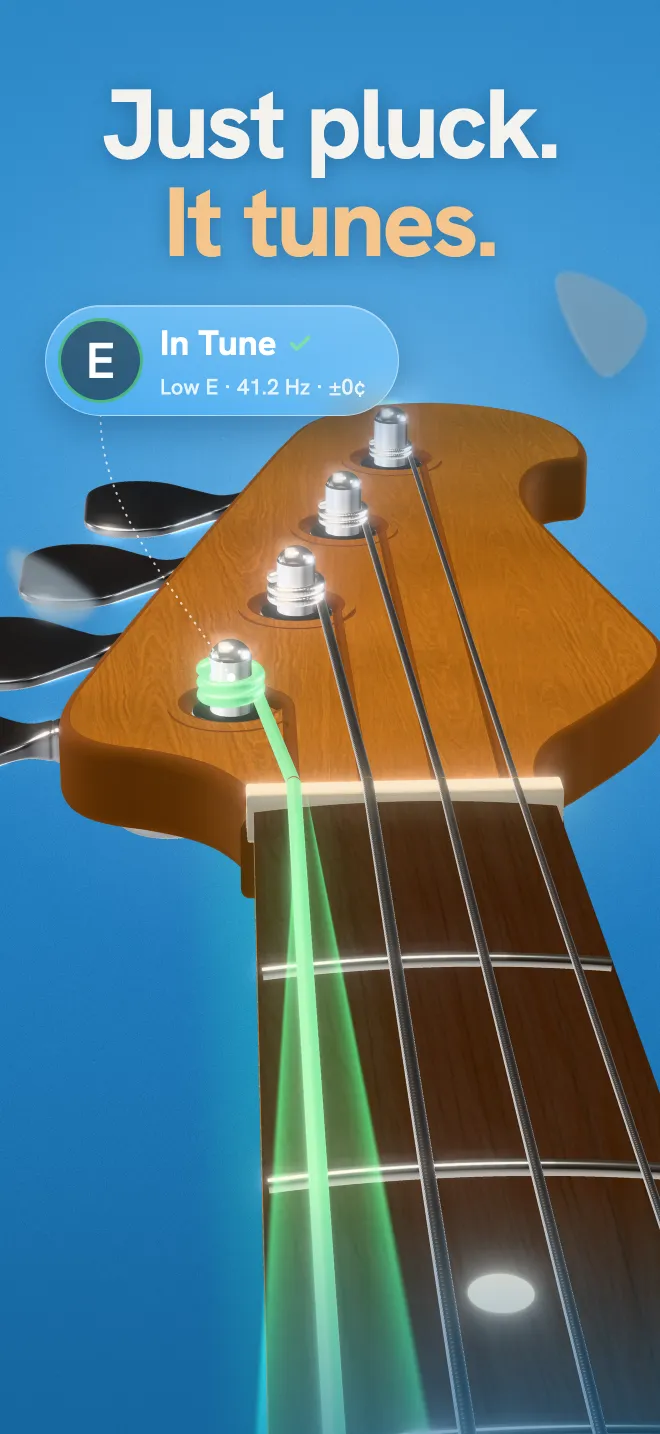
Auto detect
Auto mode listens and lights up the string you played on the headstock, with the note, its frequency and how far off it is. Switch to Manual to lock onto one string.
Tunings
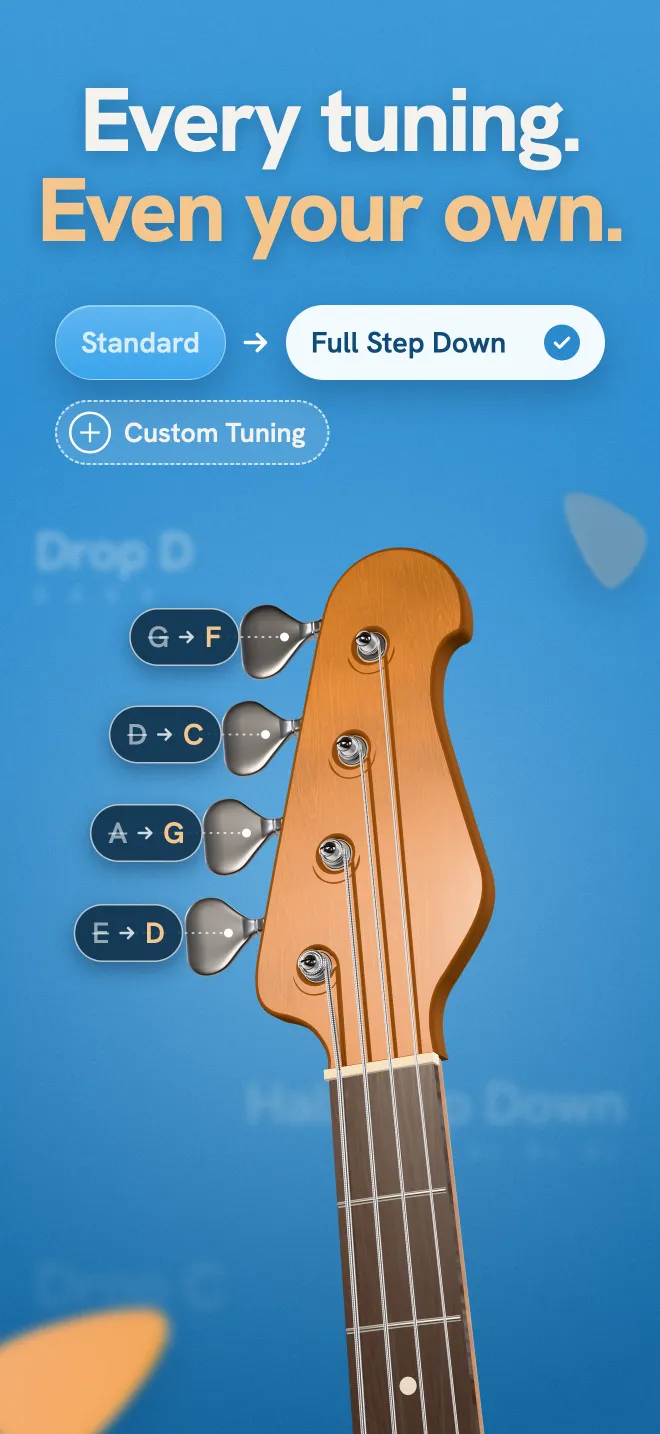
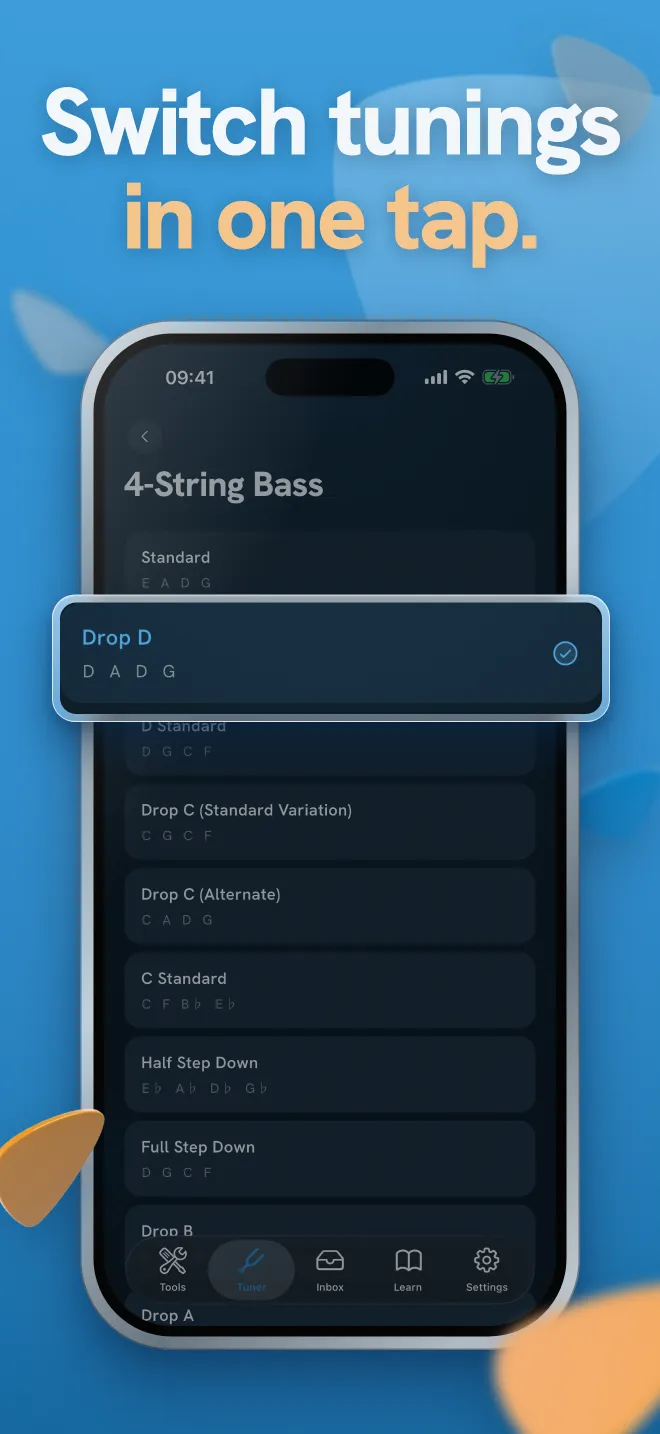
Standard E–A–D–G is ready to go. Switch tunings in one tap, or build a custom one note by note and save it.
Every bass tuning in one chart, with notes and frequencies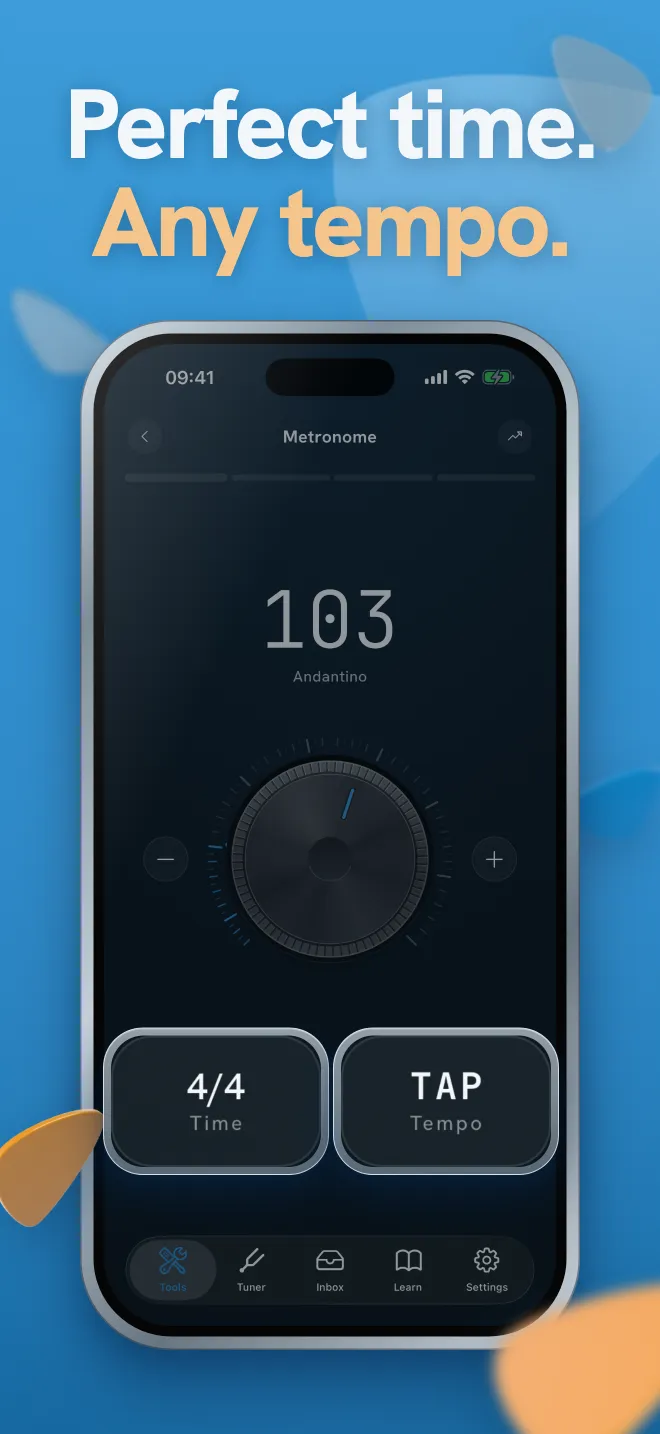
Metronome
A metronome is built in. Turn the dial, tap in a tempo, or pick a time signature, and keep practising without switching apps.
No download needed
The same headstock and the same reading as the app, free in standard E–A–D–G. Allow the mic and play a string.
More inside
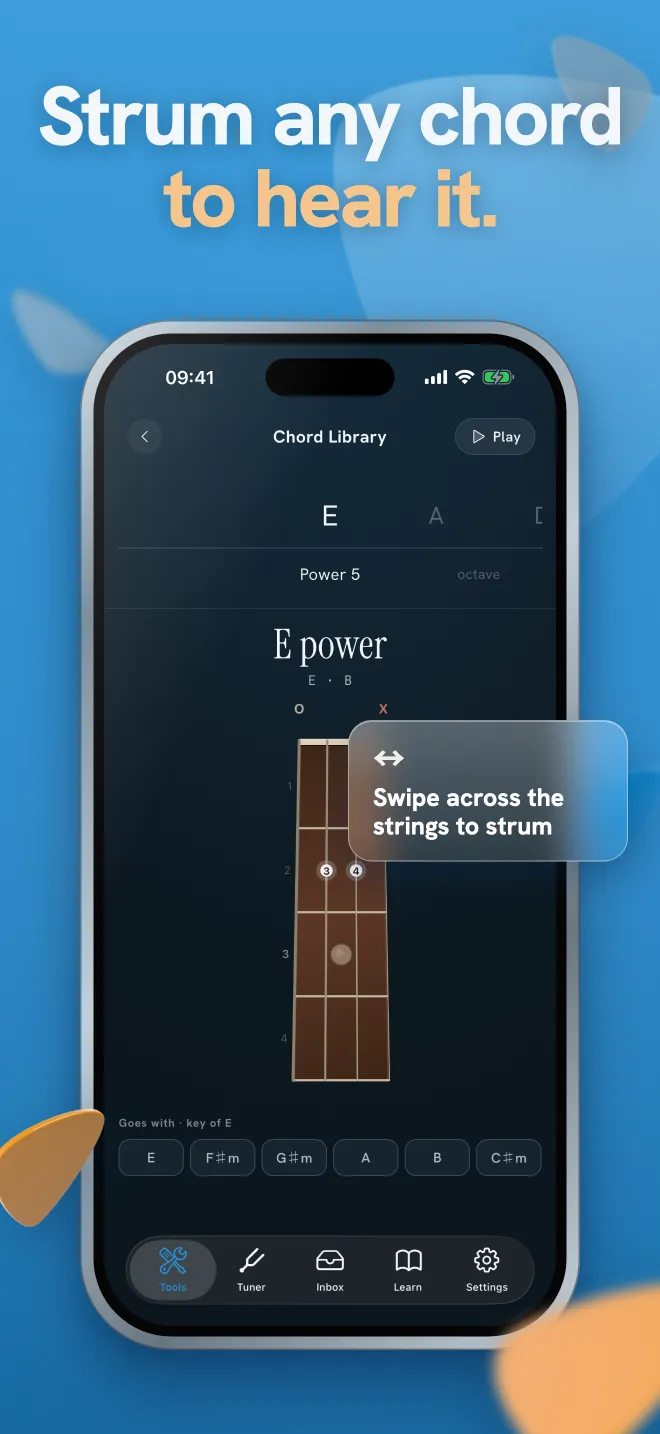
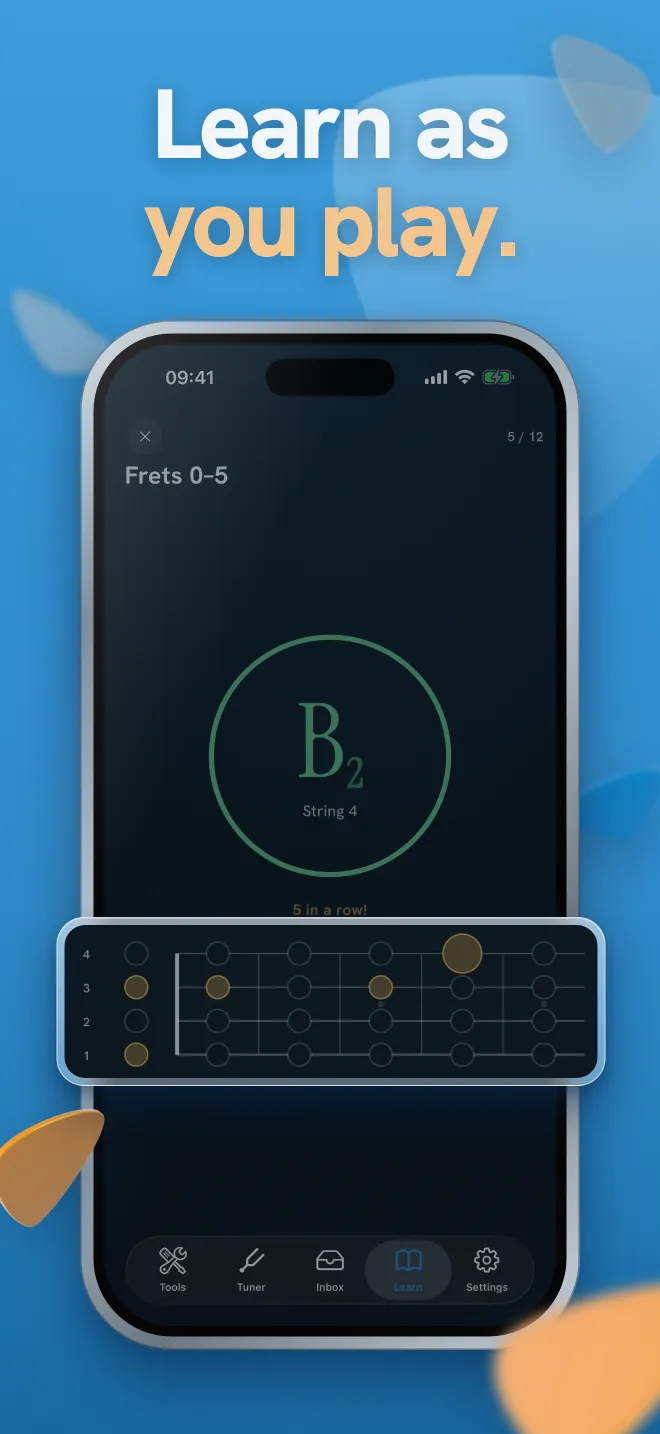
Screens from Bass Tuner on iPhone.
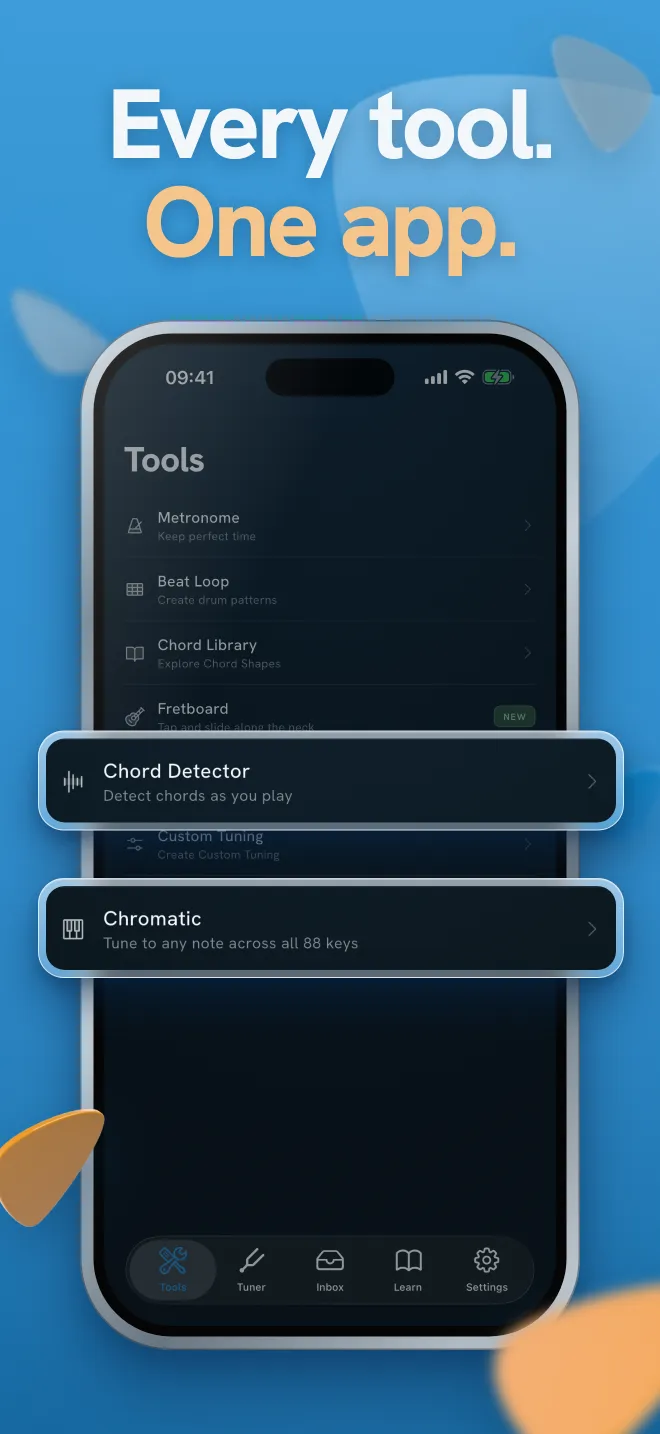
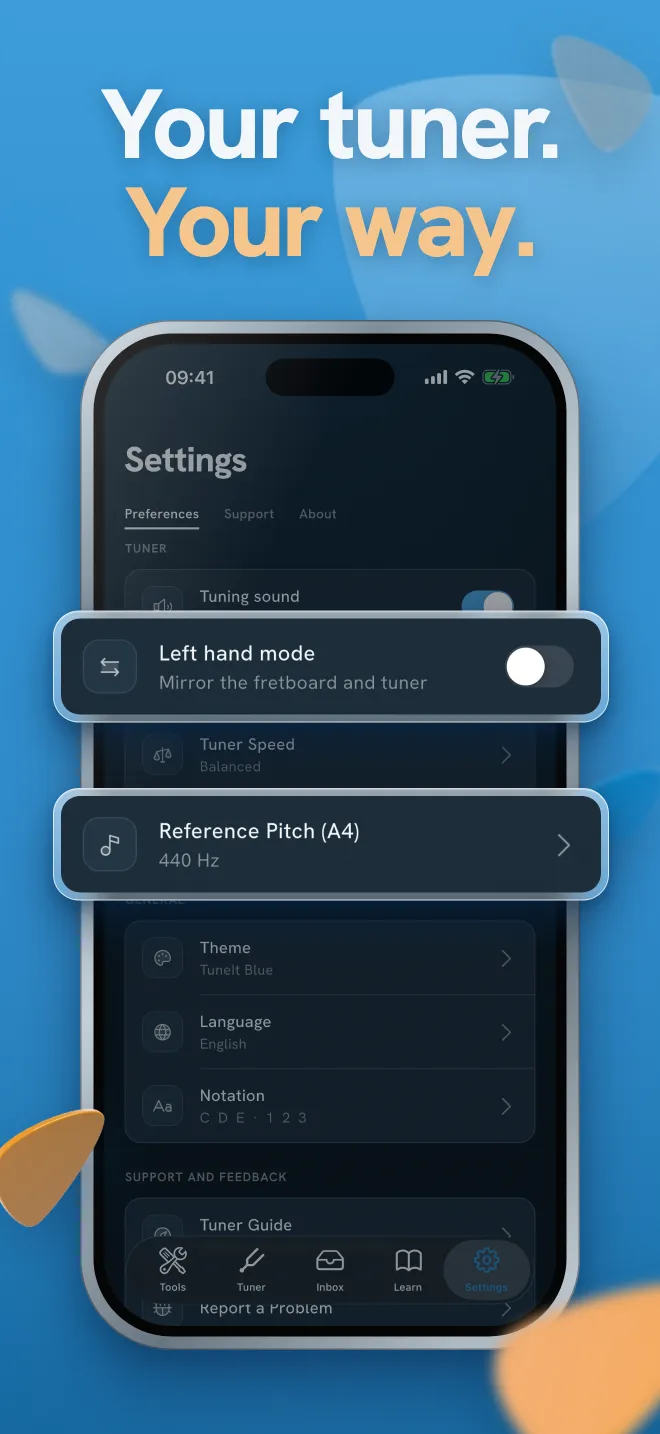
A minute or so, once you’ve done it a few times.
More in the tuning guides.
Yes. Hold the phone close to the strings and pluck firmly but cleanly. An unplugged electric bass is quiet, so a quiet room helps.
Pick Drop D from the tuning list. Only the low E string changes, down a whole step to D. A, D and G stay the same.
Low notes take longer to settle. Pluck once, wait a moment, and read the note after the attack rather than during it.
One app per instrument, each with its own strings and tunings.
Bass TunerFree on iPhone and AndroidGet the app